
Touch4Safety
Sign in
Free forever — no card needed

Feel safer. Wherever life takes you.

Touch4Safety is free for everyone, for as long as you want it. Check in with one touch, share a journey, and make sure someone knows when you may need help. Add extra services later only if your family wants more.

How to install

A person walking home along a quiet Nordic street at dusk

What you can do

Everyday moments, quietly covered

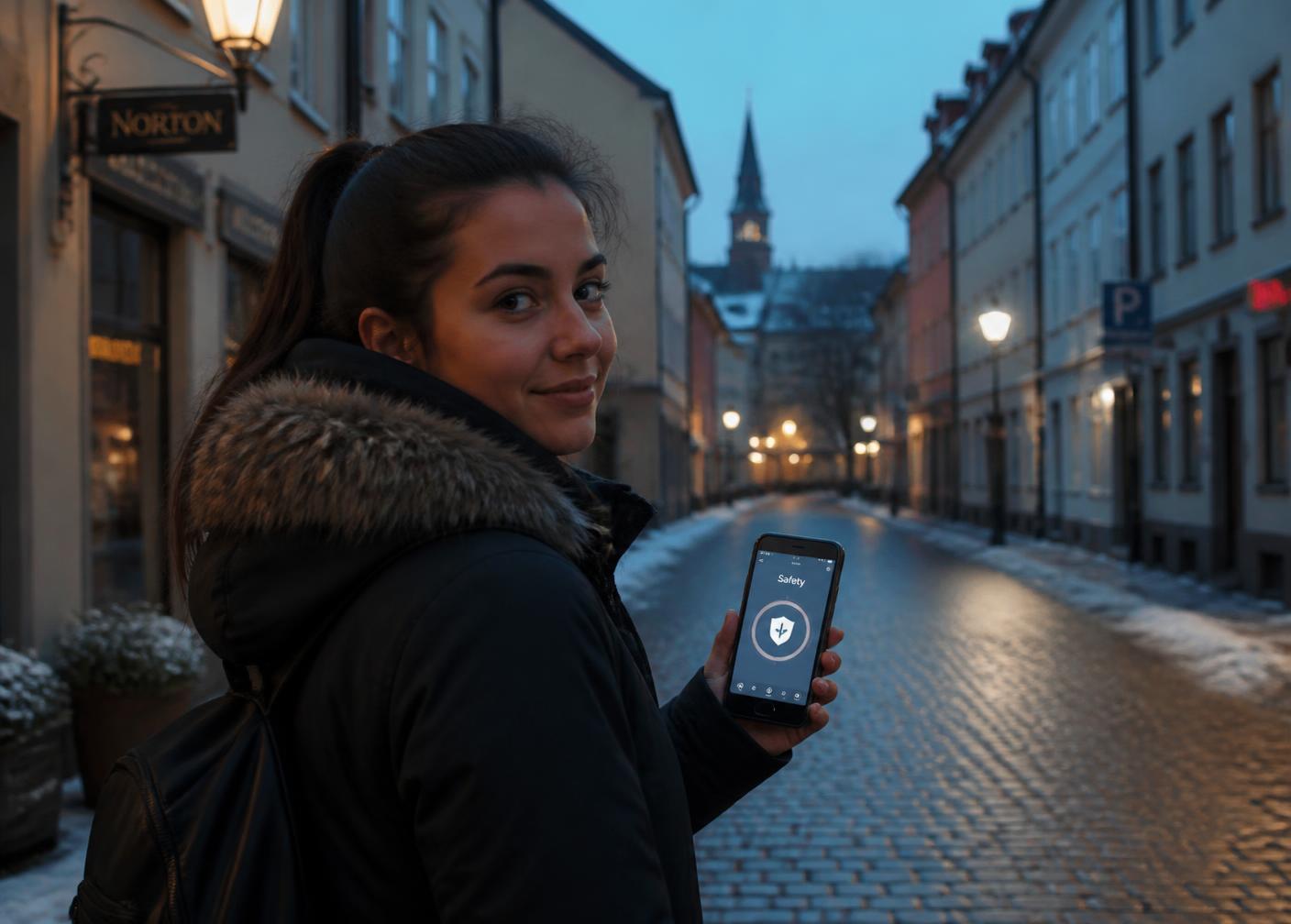
A woman checking her safety app while walking past lit shop windows on a snowy street
Watch me

Someone watches over you for a while

SOS

Alert the people you trust

Check on me

Schedule a safety check later

Journey

Let people know when you arrive

How it works

How each solution works

A woman walking home on a quiet Nordic street at dusk, checking her safety app

3s

SOS trigger

01
Watch Me

For the walk home, the late shift, the first date.

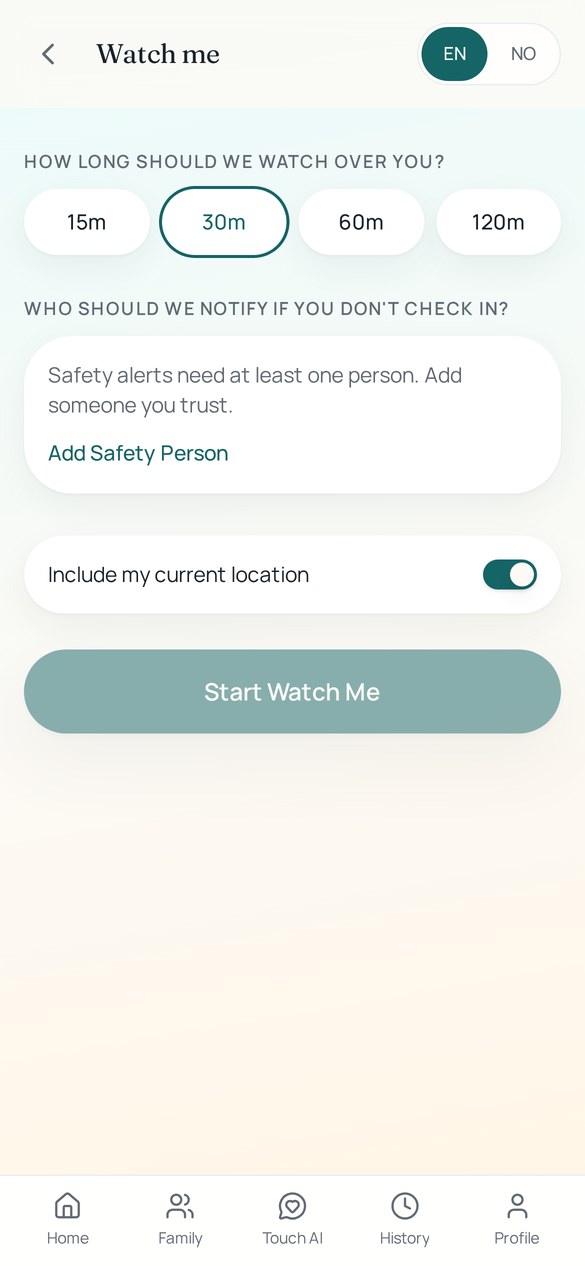
  • Choose how long you want to be watched — 15, 30, 60 or 120 minutes.
  • Pick your Safety People and decide whether to share your location.
  • Tap “I'm safe” before the timer ends. If you go quiet, your people are alerted with your last known position.
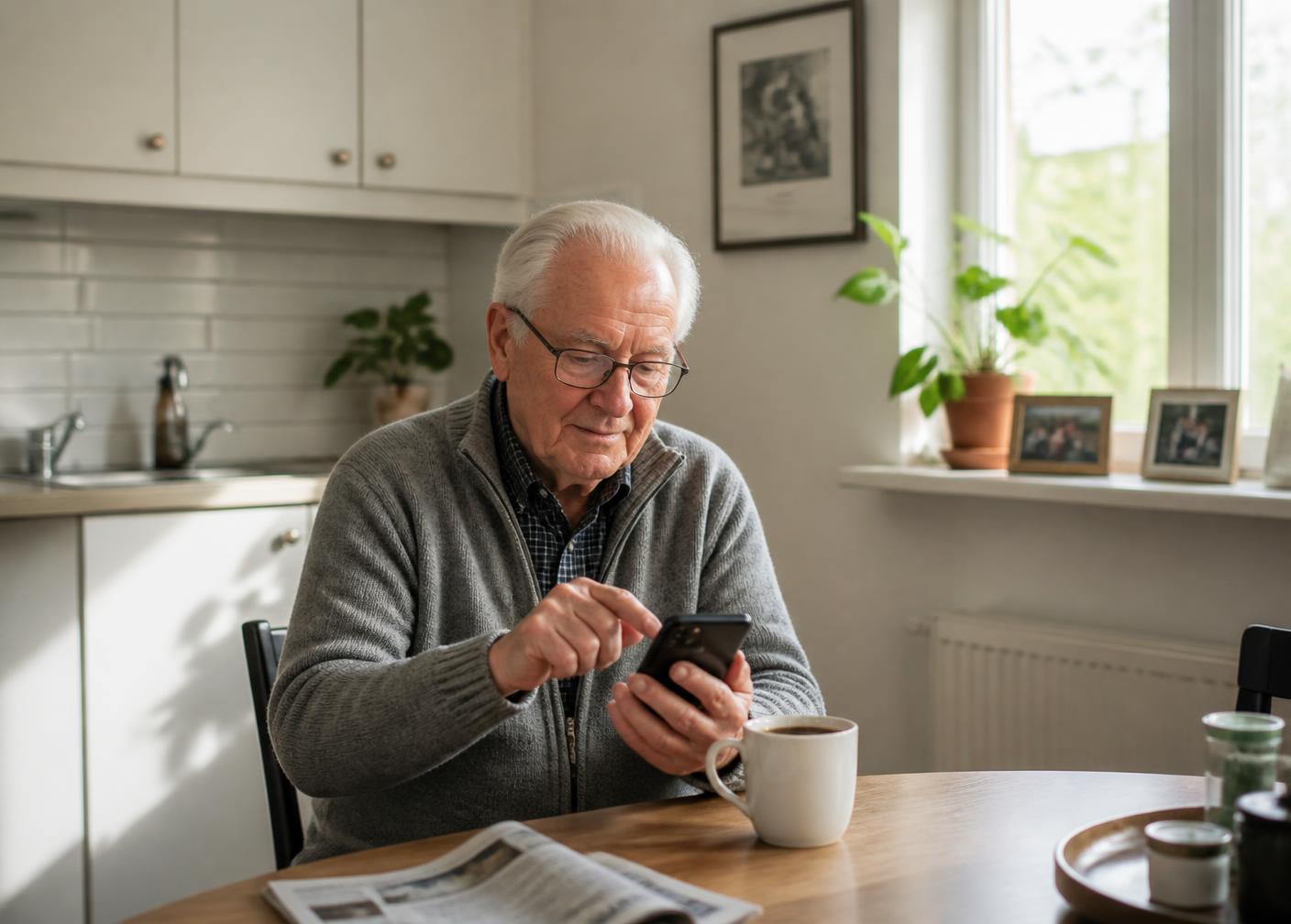
An older man in a bright kitchen confirming on his phone that he is fine

Encrypted

02
Check On Me

A gentle daily heartbeat for people living alone.

  • Set the time of day you want to be asked if you're okay.
  • Touch4Safety reminds you, and you answer with one tap.
  • No answer? Your safety plan escalates — first a reminder, then family and contacts.
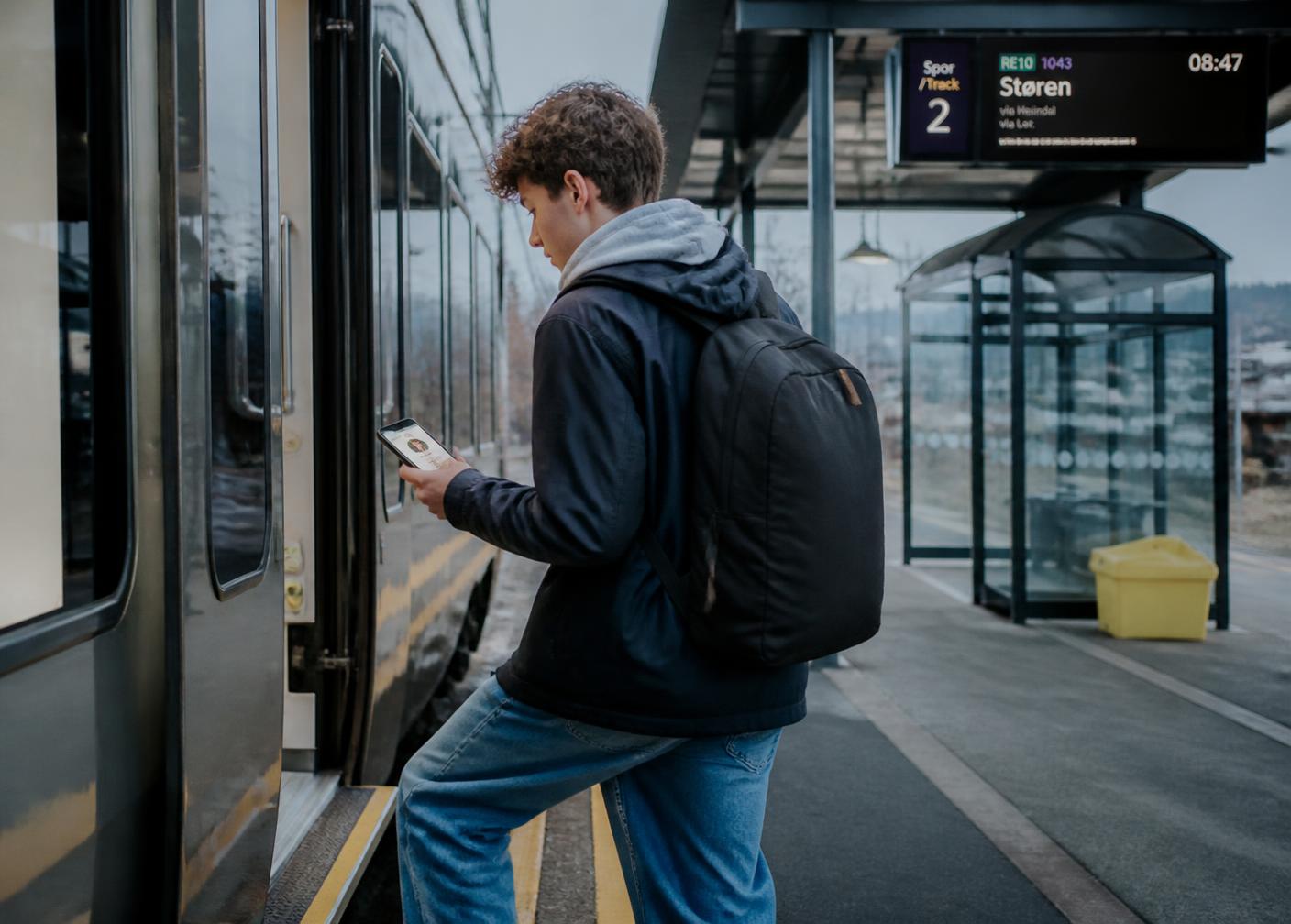
A teenager boarding a commuter train while sharing the trip from his phone
03
Journey

For trips, commutes and travelling children.

  • Enter where you're going and when you expect to arrive.
  • Your Safety People get a private link to follow the trip.
  • Confirm arrival, extend by 20 minutes, or let the alert go out automatically.
A hand holding a thumb down on a glowing phone screen outdoors at night
04
SOS

One deliberate hold when something is wrong.

  • Hold the SOS button for three seconds — no accidental alarms.
  • Location, battery and your message go out to everyone on your list at once.
  • Contacts open a secure page and answer “I'm responding”, so you can see help is coming.
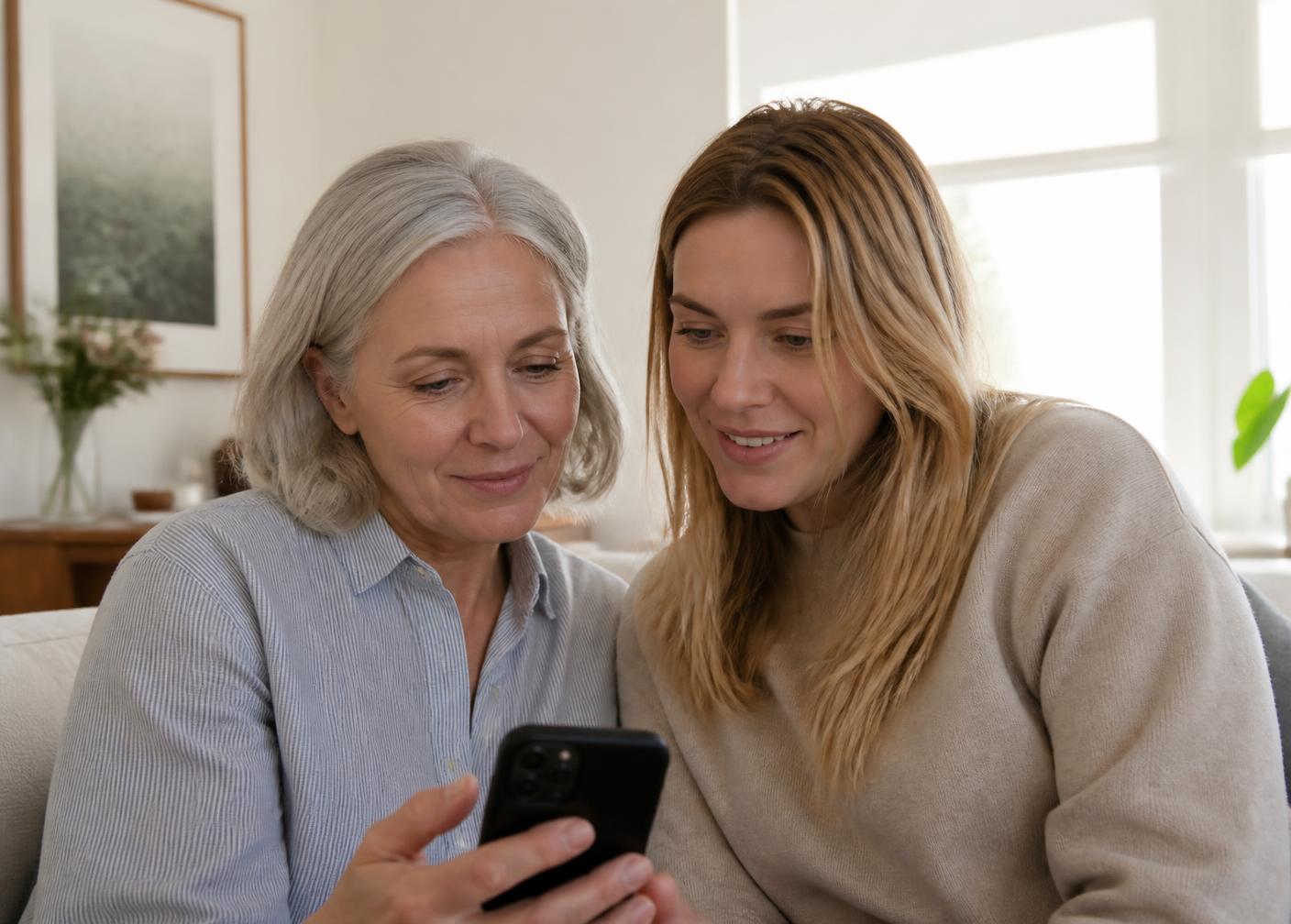
A mother and her adult daughter looking together at a phone in a bright living room
05
Family dashboard

Included in the Family plan.

  • Invite family members with a private invitation link.
  • See who is safe, who has an active session, and who needs a nudge.
  • Everyone keeps control of their own location sharing and emergency profile.
A person sitting on a park bench in autumn calmly planning on their phone
06
Touch AI companion

A calm helper that prepares the plan with you.

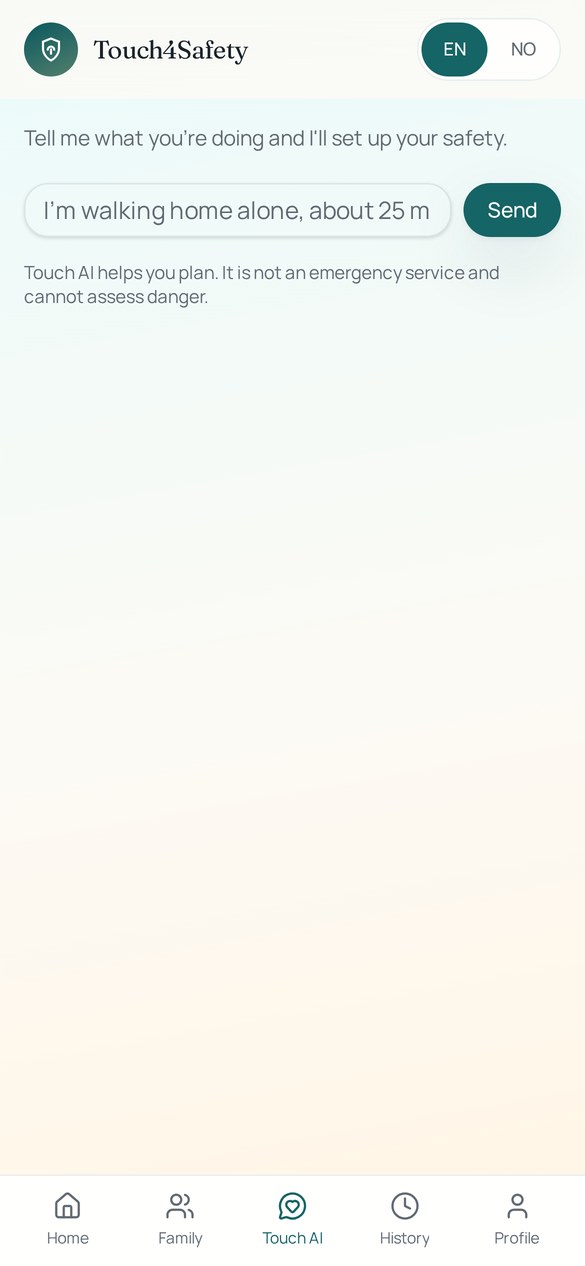
  • Tell Touch AI what you're about to do, in your own words.
  • It suggests the right flow, duration and contacts.
  • You confirm — nothing is ever sent without your approval.

Real screens, straight from the phone.

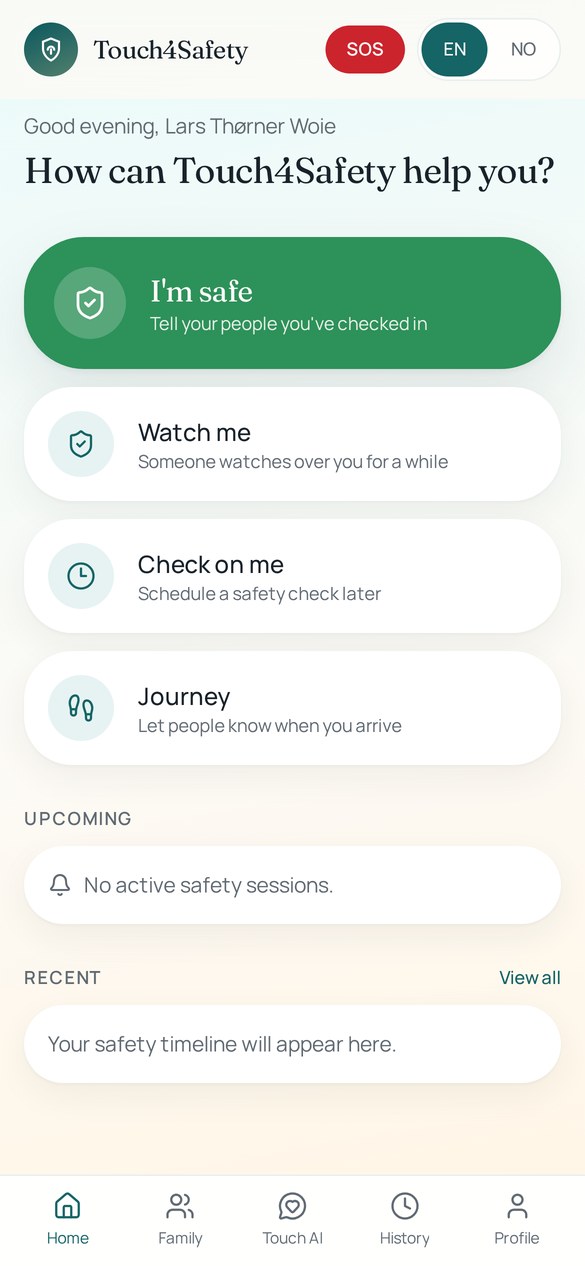
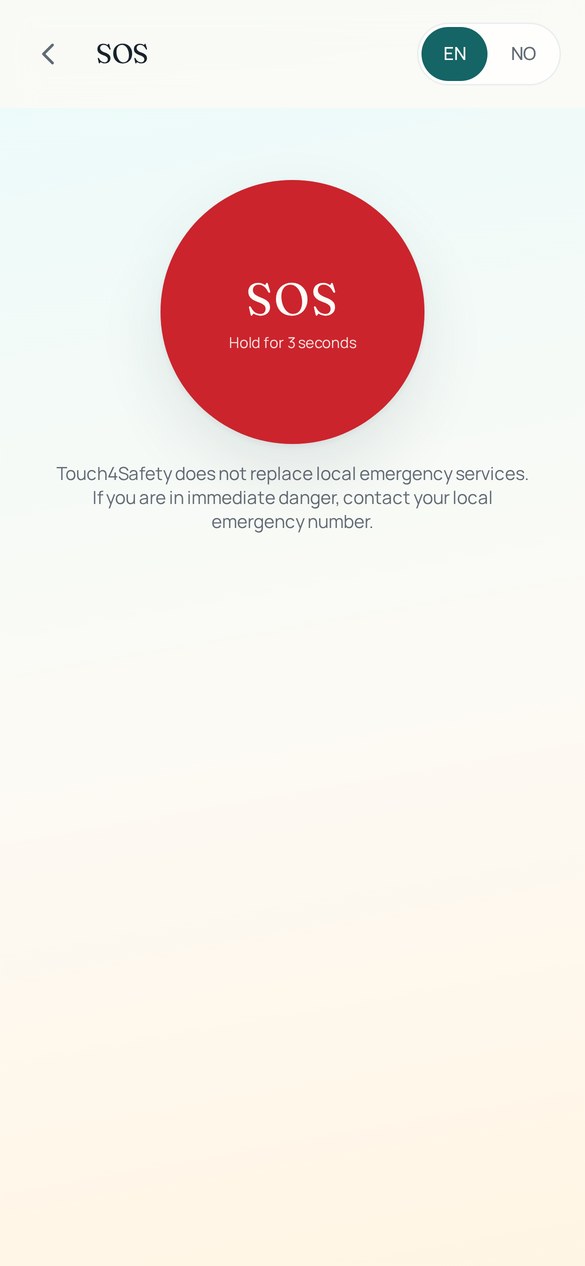
Actual screenshots from Touch4Safety on a phone — big buttons, one clear action per screen, nothing to learn.

  • Touch4Safety home screen on a phone with I'm safe, Watch me, Check on me and Journey

    Home — one tap to say “I'm safe”, everything else one tap away.

  • Touch4Safety SOS screen with a large red hold-to-send button

    SOS — hold for three seconds, no accidental alarms.

  • Touch4Safety Watch me screen with duration choices and location toggle

    Watch me — pick a duration and start in seconds.

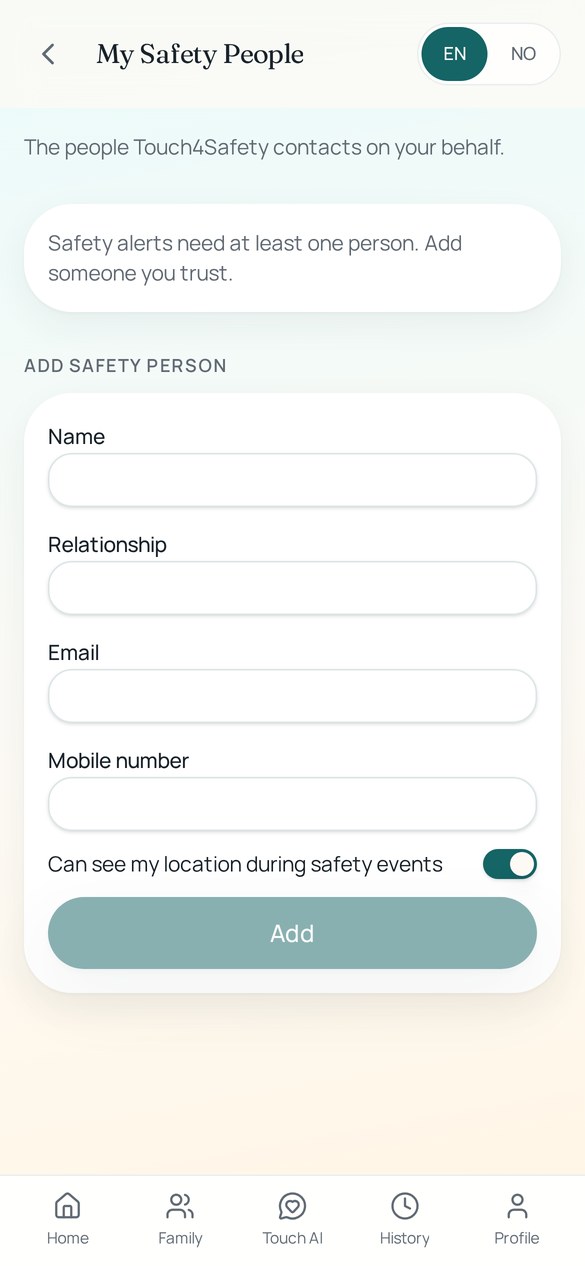
  • Touch4Safety Safety People screen listing trusted contacts

    Safety People — the people who get your alerts.

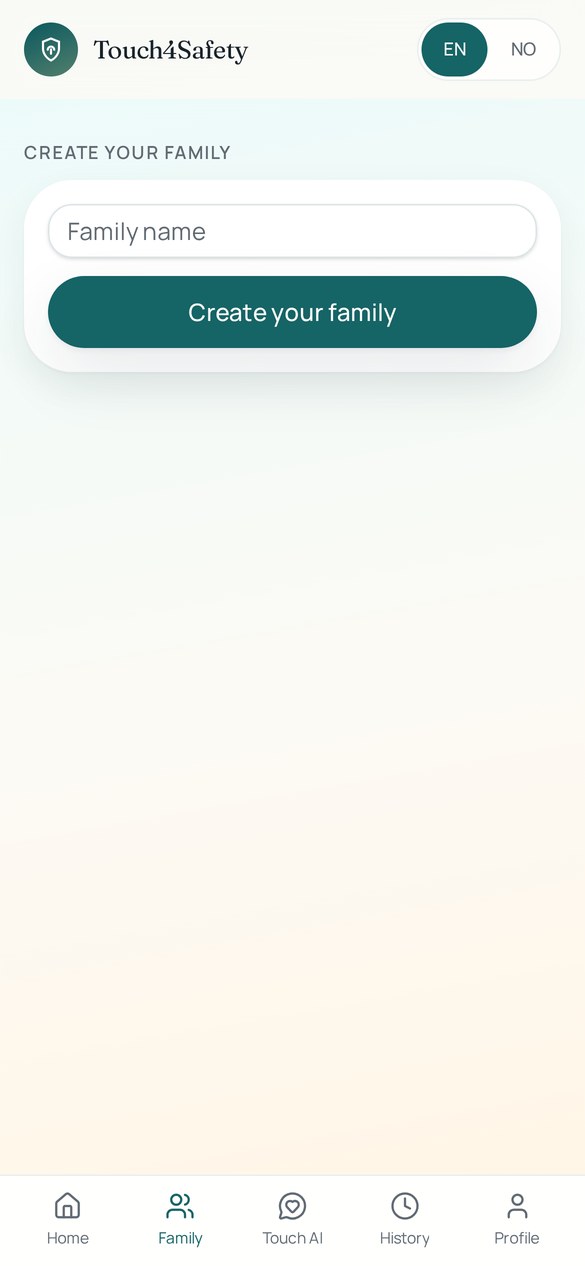
  • Touch4Safety family dashboard screen on a phone

    Family — see who is safe and who needs a nudge.

  • Touch4Safety Touch AI chat screen on a phone

    Touch AI — describe your plan, it sets up the right flow.

Three generations of a family together at home

For families

Peace of mind for the people you love.

Start together for free today. One simple place to look out for each other — upgrade only when you want the live map and automatic SMS alerts.

Always free to feel safe. Extra services when you want them.

Everything that matters most — SOS, I'm Safe, check-ins and your safety people — is free forever. No card, no trial countdown, no pressure. If your family later wants automatic SMS and voice alerts or the live map, you can add it for the price of a coffee.

No binding period — cancel anytime.

Start here — free

Touch4Safety Free

€0 — free forever

No card required for the free plan. Cancel a paid plan any time.

  • SOS, I'm Safe, Watch Me and Journey
  • 2 Safety People
  • Basic family sharing (up to 3 people)
Start free — always free

Touch4Safety Plus

€3.99/month

€39/year

  • SMS and voice alerts when no one answers
  • Live location map
  • Custom safety plan and escalation
Get Plus
Most chosen

Touch4Safety Family

€9/month

€90/year

  • Up to 6 family members
  • Family dashboard and Incident mode
  • Safe zones and scheduled check-ins
Protect my family

What is different

FeatureTouch4Safety FreeTouch4Safety PlusTouch4Safety Family
SOS button & I'm Safe
Watch Me & JourneyManual
Safety People21025
Automatic SMS & voice alerts
Live location map
Family members3 people3 people6 people
Family dashboard & Incident mode
Safe zones & scheduled check-ins1520
History14 days12 monthsUnlimited
Touch AI assistant
Start free — always free

No card required for the free plan. Cancel a paid plan any time.

No binding period — cancel anytime.

Want to try the paid features first? Get 14 days free — no card required.

Common questions

Is the free plan really free?

Yes. SOS, I'm Safe, Watch Me, check-ins, journeys, two Safety People and Touch AI are free forever. No card, no countdown.

How does the 14-day trial work?

You unlock everything Family includes for 14 days without giving a card. When it ends, your account simply continues on the free plan — nothing is charged.

Is there a binding period?

No. Paid plans are month to month (or yearly if you prefer) and you can cancel anytime in your billing settings.

What happens to my data if I cancel?

Nothing is deleted. Your account moves back to the free plan and you keep your Safety People, history within the free window and all core safety features.

How many people can share one Family plan?

Up to 6 people, each with their own login, plus the shared family dashboard and Incident mode.

Who can see my location?

Only the people you choose, and only when you start a session or ask for help. Location sharing is opt-in and can be switched off at any time.

Which payment methods do you accept?

Card payments handled securely by Stripe. Prices are shown in your local currency where available, including VAT.